Business listings on Google: how they are created, claimed and ranked
Learn how to create or claim a Google Business Profile, assess listing quality, and manage records across multiple locations.
Complete your Google Business Profile. For business listings on Google, first determine whether you need to create a missing profile or request access to an existing one.
Does a Google listing already exist for the business?
Search for the business name and street address before entering new information. Search the phone number too. Check plausible name variations as well. A former owner, employee, agency, or franchise team may have established the profile earlier.
For an access problem, first inventory the company-controlled accounts that may have been used. Check the password manager and shared operations records. Keep evidence of the account recovery steps and any access request. This makes the ownership history easier to review internally.
Creating a Google business listing, or claiming one
Treat setup as a controlled data-entry task. Gather the public-facing business name, address or service area, phone number, website, primary category, regular hours, and opening date before you begin.
Follow one sequence:
- Sign in with a company-controlled account rather than an employee's personal account.
- Search for the business by name and address.
- Request access if the correct profile already exists.
- Create a profile only if you cannot find a matching record.
- Enter the prepared information without adding promotional wording to factual fields.
- Complete the verification process presented in the interface.
- Compare the published profile with your source records after access is established.
Interface labels and verification steps can change. Record what you submitted, which account submitted it, and who owns that account. This documentation is especially useful after staff turnover.
A profile should have an accountable business owner inside your organization. Day-to-day work can be assigned separately. Shared passwords are a poor substitute for named responsibility and a documented recovery path.
What should you enter when you edit a Google business listing?
Use the business name customers encounter in the real world. Keep the address formatting consistent with your website and internal location records. Use a phone number that reaches the location or the team responsible for its calls.
Choose a category that describes the location's main activity. Additional categories should describe services actually provided there. Avoid treating categories as a collection of search phrases.
Enter regular hours from an operational source. Maintain a separate process for holiday closures, temporary changes, and other exceptions. A profile can be technically complete while still being wrong on the day a customer visits.
The destination URL should help a visitor act on that specific location. For a multi-location portfolio, a dedicated location page usually provides a clearer destination than a general homepage. It can present the relevant address, hours, phone number, and services together.
Listing eligibility and ranking
Treat ranking as an outcome, not as a setting you can switch on.
That limit matters. We check profile inputs and identify findings against a published checklist. We do not predict a particular map pack position. A high audit score is not proof of placement.
Focus on inputs you can verify. Keep the business identity accurate. Correct outdated hours. Remove broken destination URLs. Review category choices. Monitor whether the live profile still matches the source records used by your operations team.
Does website structured data create the profile?
Treat website markup and profile management as separate workstreams. Google says LocalBusiness structured data can describe hours and departments (accessed November 2026) (Local Business (LocalBusiness) Structured Data, accessed November 2026). It can also describe reviews hosted by a site about other businesses (accessed November 2026).
Google identifies the Rich Results Test as the tool for validating this markup and correcting critical errors (accessed November 2026). Validation checks the code. It does not establish that the corresponding profile is accurate, accessible, or under the right account.
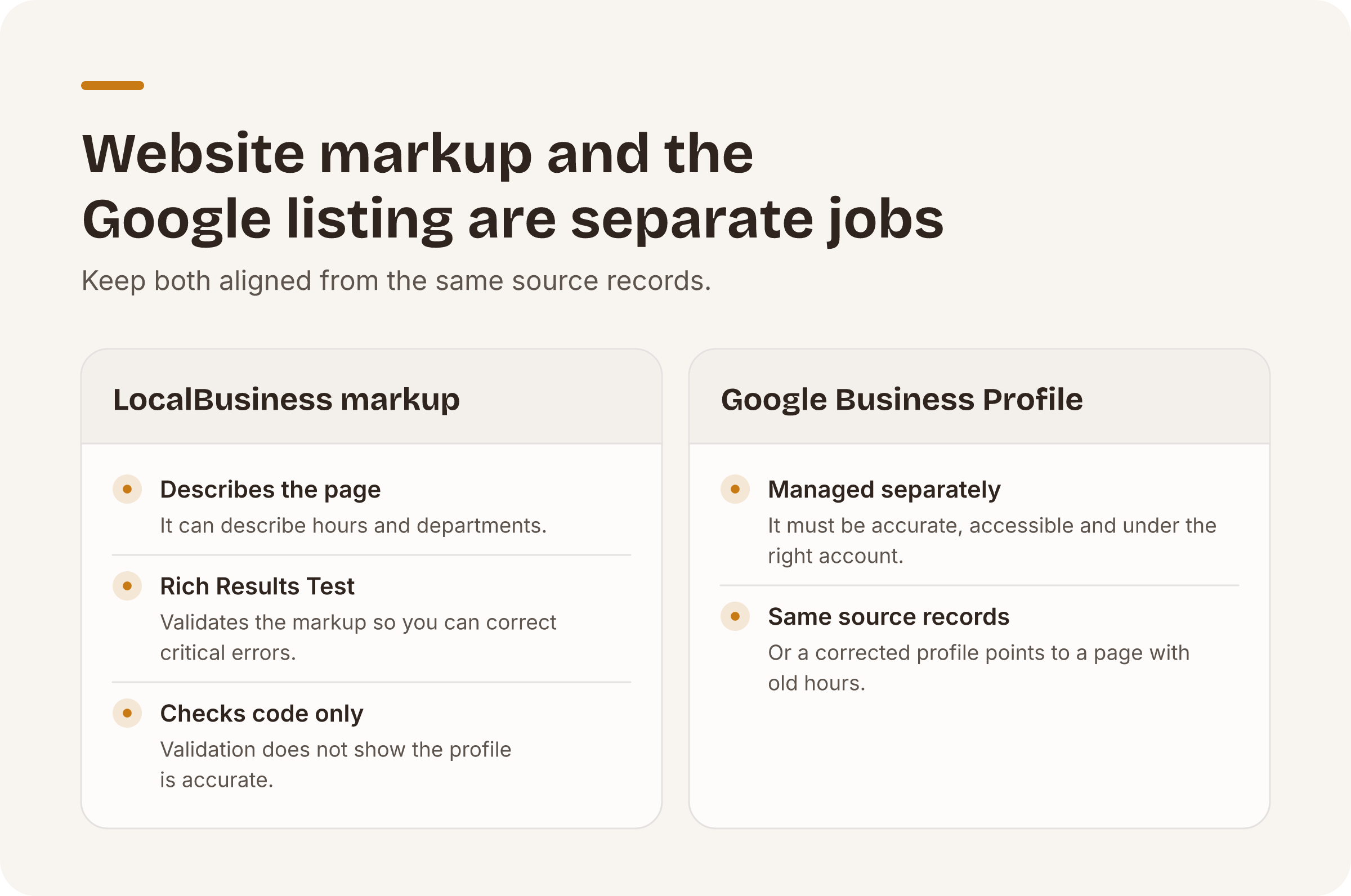
Keep the website and profile aligned from the same source records. Otherwise, a corrected profile may still point to a location page with old hours or an obsolete phone number.
Managing Google local business listings for several locations
Create a location inventory before making bulk changes. Give each location a stable internal identifier. Store its business name, address, phone number, website URL, category, hours, profile access owner, and last review date in one controlled record.
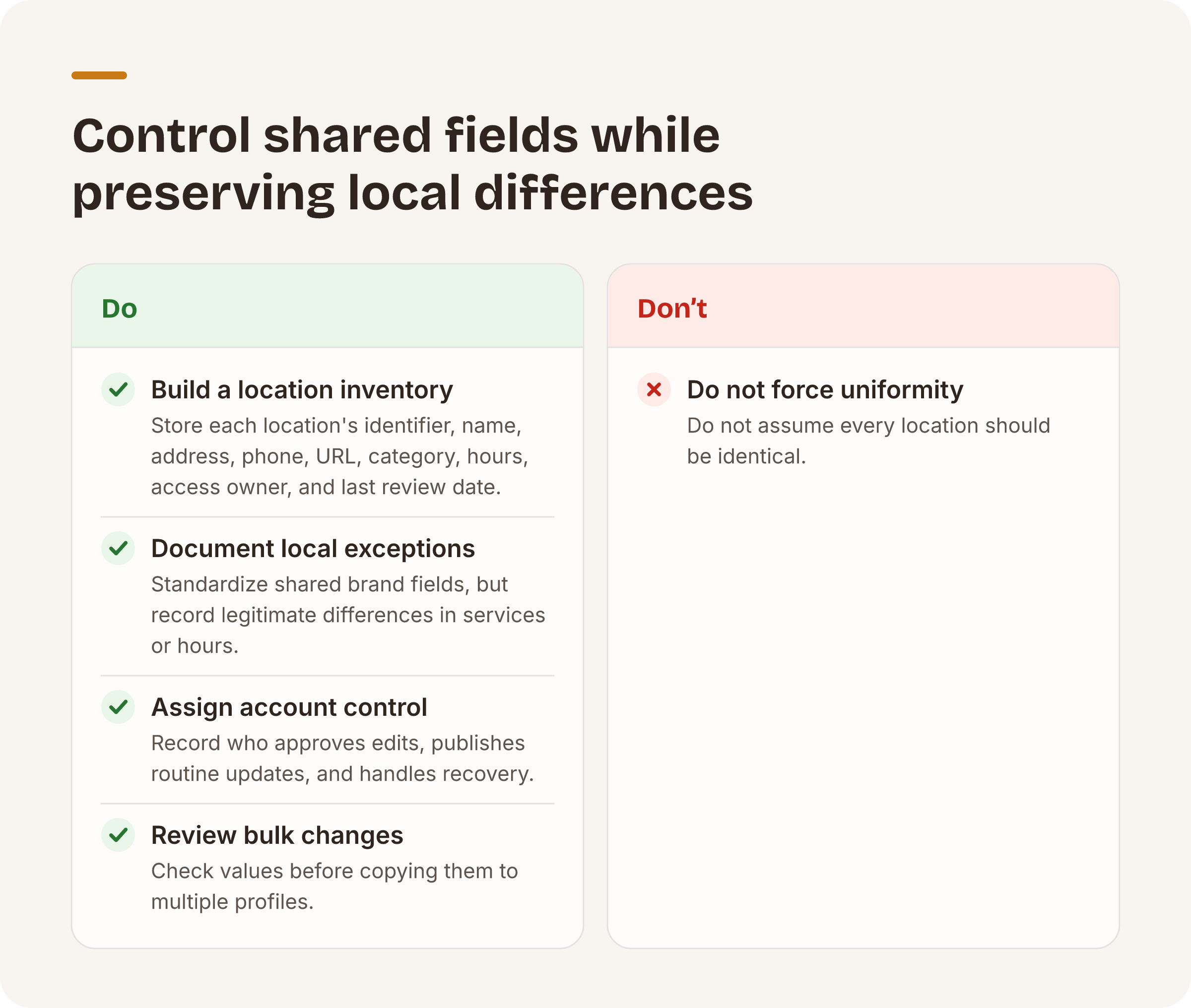
Do not assume every location should be identical. A clinic in Phoenix may offer different services or hours from one in Tucson. Standardize the fields that express the same brand identity, then document legitimate local exceptions.
Account control also needs structure. Record who can approve edits, who can publish routine updates, and who handles recovery. This reduces the risk of losing access when an employee or agency relationship ends.
Our Brand Health Score
Automated capability: our location audit applies a published checklist across seven categories. These are basic information, hours, ratings and reviews, photos, categories, cross-location consistency, and listing health with duplicate-pin candidates.
Each location starts at 100. A critical issue deducts 15 points. A warning deducts 7 points, and an informational note deducts 2 points.
The score makes the deductions visible. The score measures listing data quality against the published checklist and stops there.
Manual capability: you should review the underlying findings before changing a live profile. An unusual value may reflect a legitimate local difference rather than an error. The arithmetic prioritizes inspection, but a person still decides whether the source data or the listing needs correction.
Automated capability: you can run a free Brand Health audit without entering a card. The service is capped at 3 audits per email per day.
Put this playbook on autopilot.
The free audit runs every check in this post across all your locations — no card required.